


OpenClaw 命令大全
简介
OpenClaw 是一个强大的AI助手框架,支持多种消息通道、模型提供商和插件扩展。本文详细介绍OpenClaw的所有命令用法。
基本命令
openclaw –help
显示所有可用命令和帮助信息。
openclaw --helpopenclaw –version
查看OpenClaw版本。
openclaw -V
openclaw --version
openclaw docs
打开OpenClaw官方文档。
openclaw docs网关命令
openclaw gateway
控制WebSocket网关服务。
# 启动网关
openclaw gateway

# 指定端口启动
openclaw gateway --port 18789

# 强制启动(杀掉占用端口的进程)
openclaw gateway --force

# 查看网关状态
openclaw gateway status

# 重启网关
openclaw gateway restart
配置命令
openclaw configure
交互式配置向导。
openclaw configureopenclaw config
配置管理命令。
# 获取配置
openclaw config get

# 设置配置
openclaw config set

# 验证配置
openclaw config validate
通道管理
openclaw channels
管理消息通道。
# 查看通道列表
openclaw channels list

# 添加通道
openclaw channels add

# 登录通道(如WhatsApp)
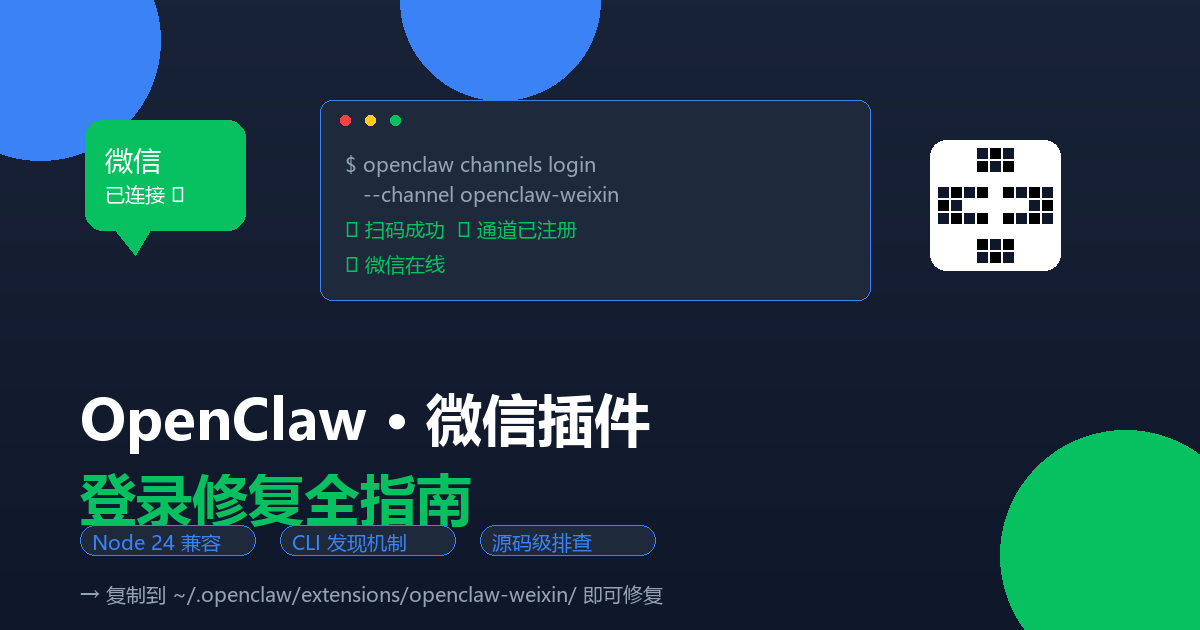
openclaw channels login
消息命令
openclaw message
发送和管理消息。
# 发送消息
openclaw message send --target @username --message "Hello"

# 指定通道发送
openclaw message send --channel telegram --target @mychat --message "Hi"
模型管理
openclaw models
管理AI模型。
# 查看可用模型
openclaw models list

# 扫描模型
openclaw models scan
插件管理
openclaw plugins
管理OpenClaw插件。
# 列出插件
openclaw plugins list

# 安装插件
openclaw plugins install <plugin-name>

# 查看已加载插件
openclaw plugins loaded
定时任务
openclaw cron
管理定时任务。
# 列出定时任务
openclaw cron list

# 添加定时任务
openclaw cron add
节点管理
openclaw nodes
管理配对的设备节点。
# 查看节点列表
openclaw nodes list

# 查看节点状态
openclaw nodes status
日志命令
openclaw logs
查看网关日志。
# 实时查看日志
openclaw logs --follow

# 查看最近日志
openclaw logs
健康检查
openclaw doctor
健康检查和快速修复。
openclaw doctoropenclaw health
获取网关健康状态。
openclaw health状态查看
openclaw status
查看通道状态和会话信息。
openclaw status
openclaw status --all
更新命令
openclaw update
更新OpenClaw。
# 检查更新
openclaw update check

# 执行更新
openclaw update run
其他命令
| 命令 | 说明 |
|---|---|
| openclaw setup | 初始化本地配置 |
| openclaw reset | 重置本地配置 |
| openclaw uninstall | 卸载OpenClaw |
| openclaw tui | 打开终端UI |
| openclaw dashboard | 打开控制UI |
| openclaw completion | 生成shell补全脚本 |
常用示例
# 完整配置流程
openclaw configure

# 启动网关并查看状态
openclaw gateway start
openclaw status

# 添加Telegram通道
openclaw channels add
# 选择Telegram,输入Bot Token

# 发送测试消息
openclaw message send --channel telegram --target @yourchat --message "Test"

# 查看日志
openclaw logs --follow
注意事项
- 大部分命令需要Gateway运行后才能使用
- 发送消息需要先配置好对应的通道
- 使用 –help 查看具体命令的详细用法
参考文档
© 版权声明
文章版权归作者所有,未经允许请勿转载。
THE END








暂无评论内容